
One interface for yt-dlp and ffmpeg powered downloads.
Feature Showcase
Features
See how yLoader brings search, download customization, metadata editing, and a consistent workflow across desktop, Docker, and web into one local-first experience.
Built for real download workflows
Local-first setup for private and reliable media processing.
Consistent behavior across browser, docker, and Electron desktop modes.
One codebase, three runtime modes
Desktop
Electron wrapper with the same frontend and backend behavior.
Docker
Containerized frontend and backend for self-hosted local deployments.
Web App
React frontend and Node/Express backend for browser usage on your machine.
Feature Showcase
From URL to finished download
Explore the core yLoader workflow with real app screenshots.
01
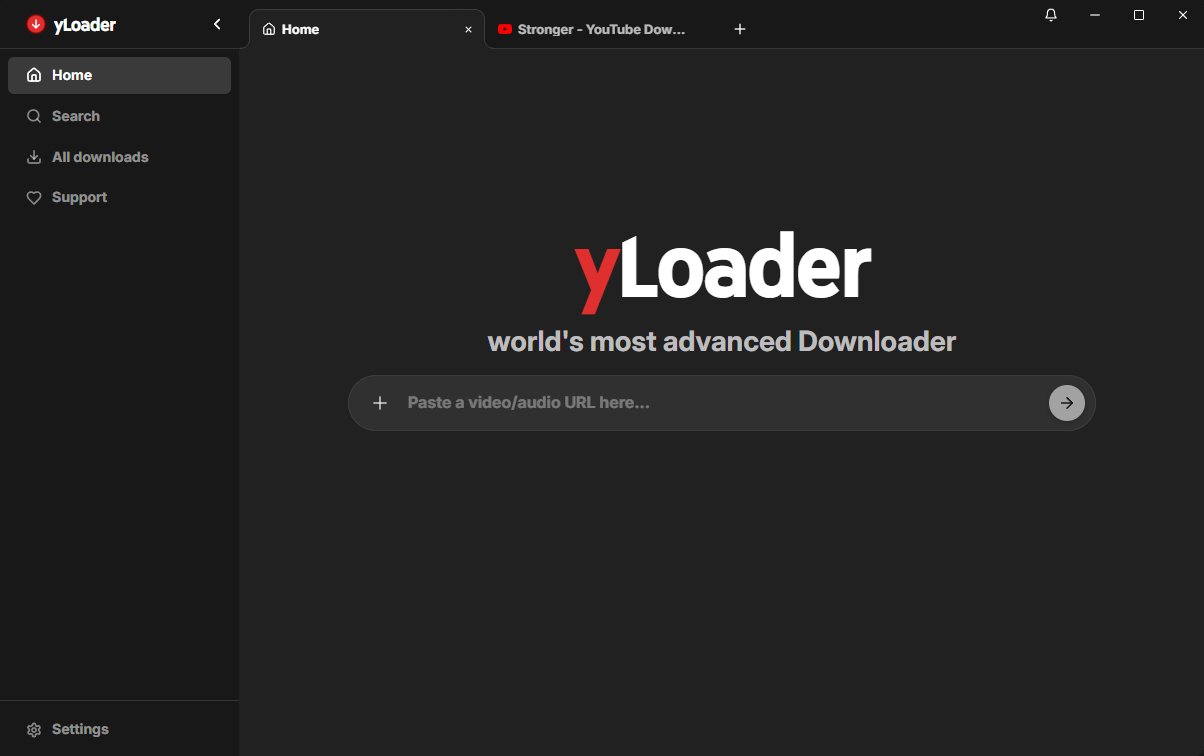
Home / URL Input
Clean and intuitive interface. Just paste your link to get started.
02
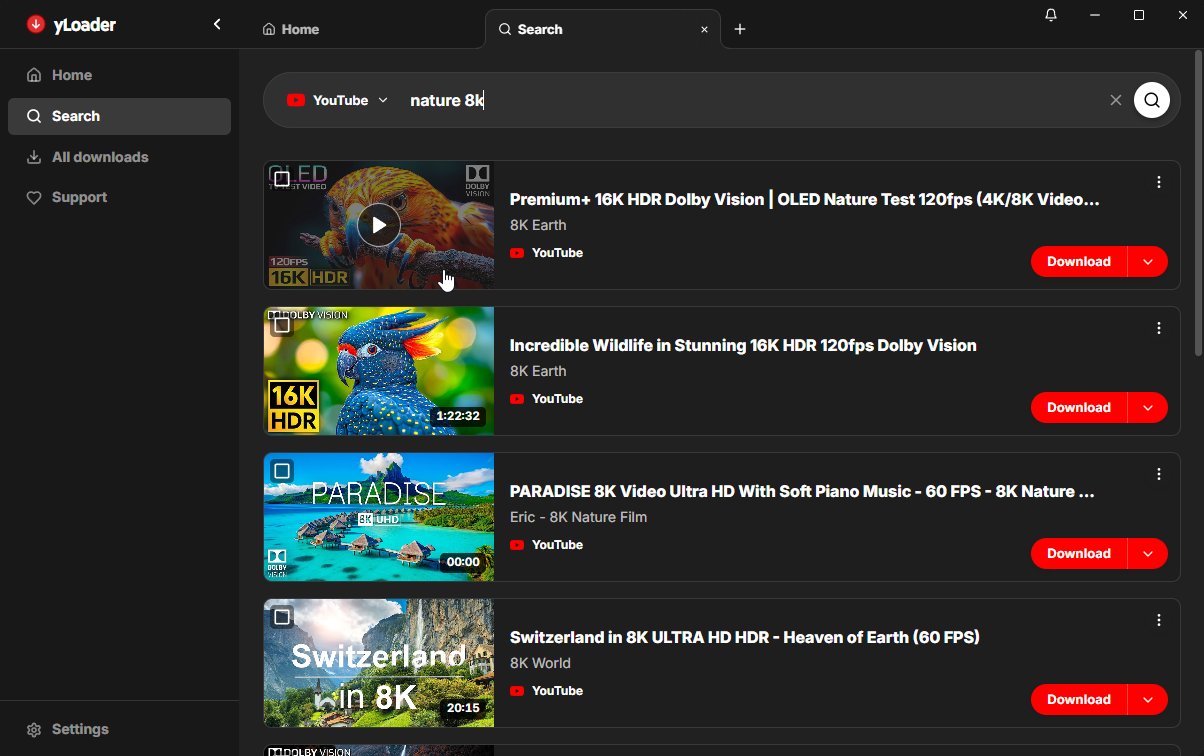
Integrated Search
Integrated search for platforms like YouTube directly within the app, including a quick download button.
03
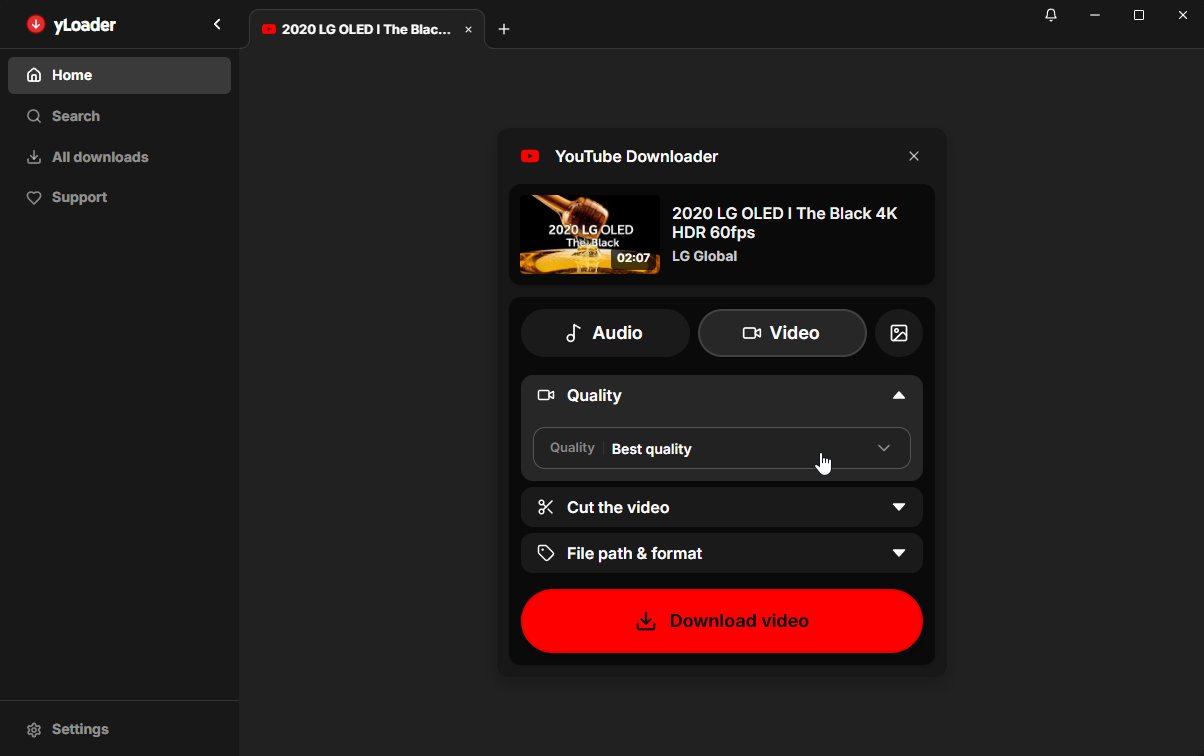
Video Quality
Full control: Easily select the best video quality and resolution for your needs.
04
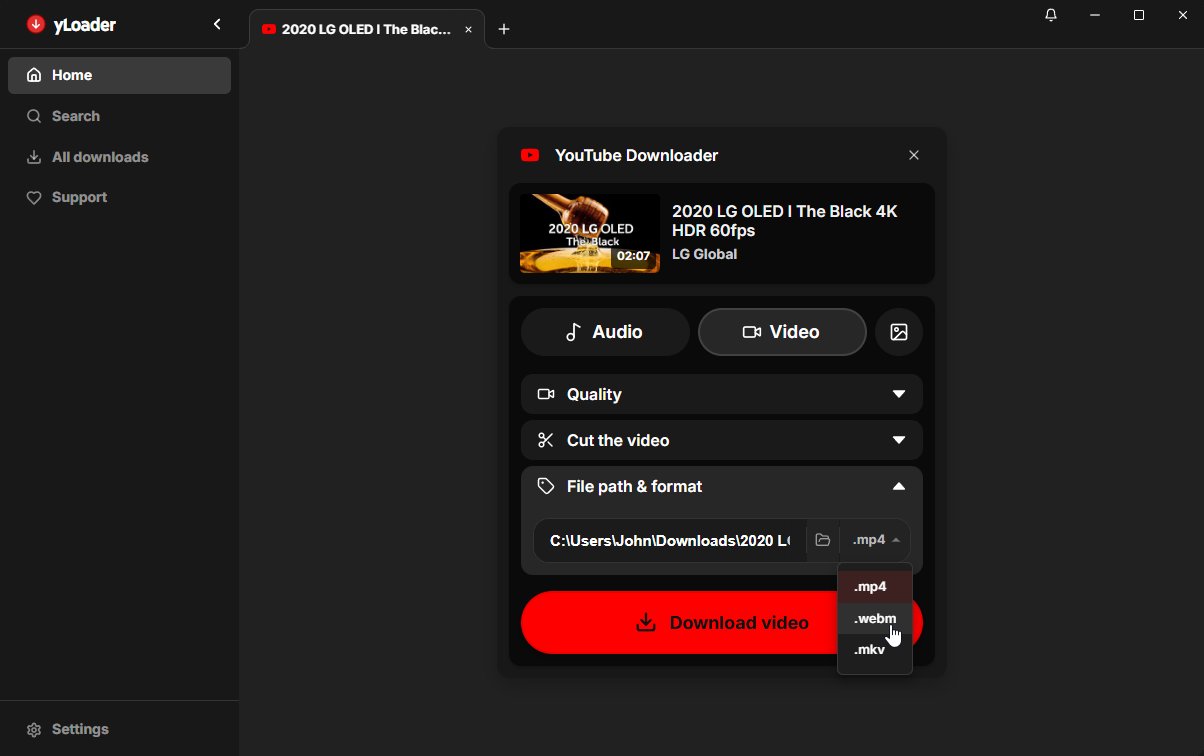
Format Selection
Save videos exactly how you need them—whether it's MP4, WebM, or MKV.
05
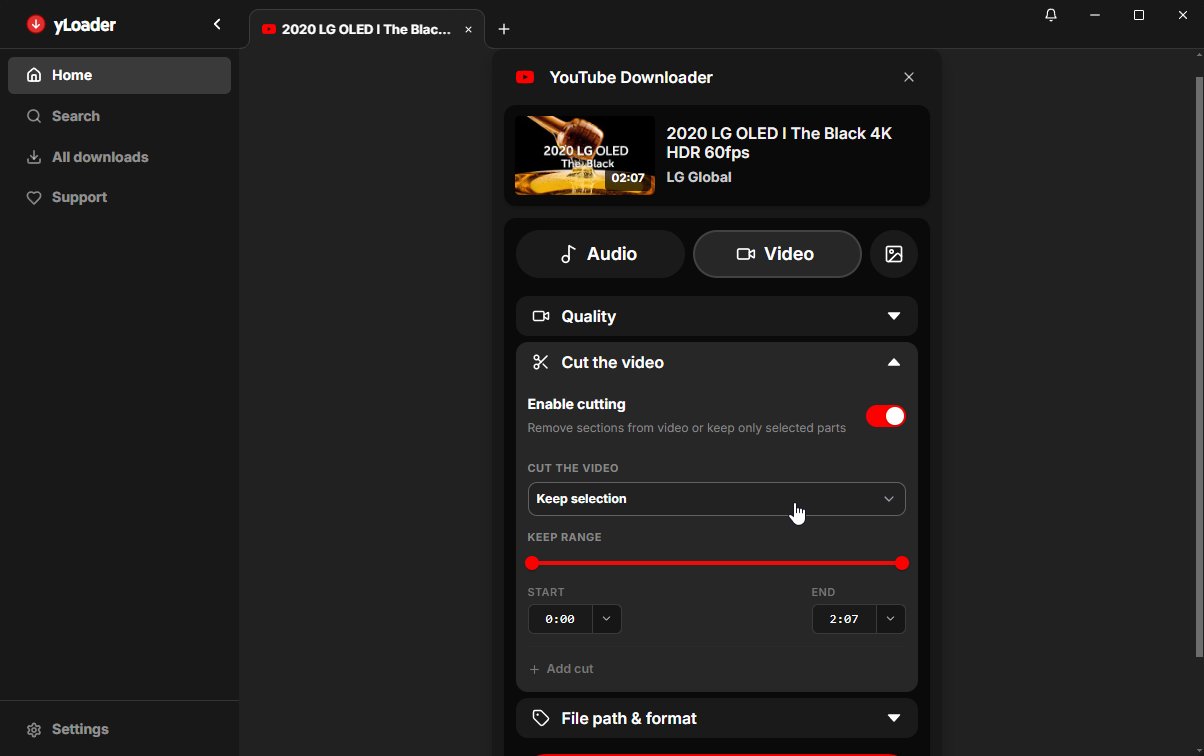
Video Cutting
Built-in video and audio cutting. Download only the specific part of a video or audio track you actually need.
06
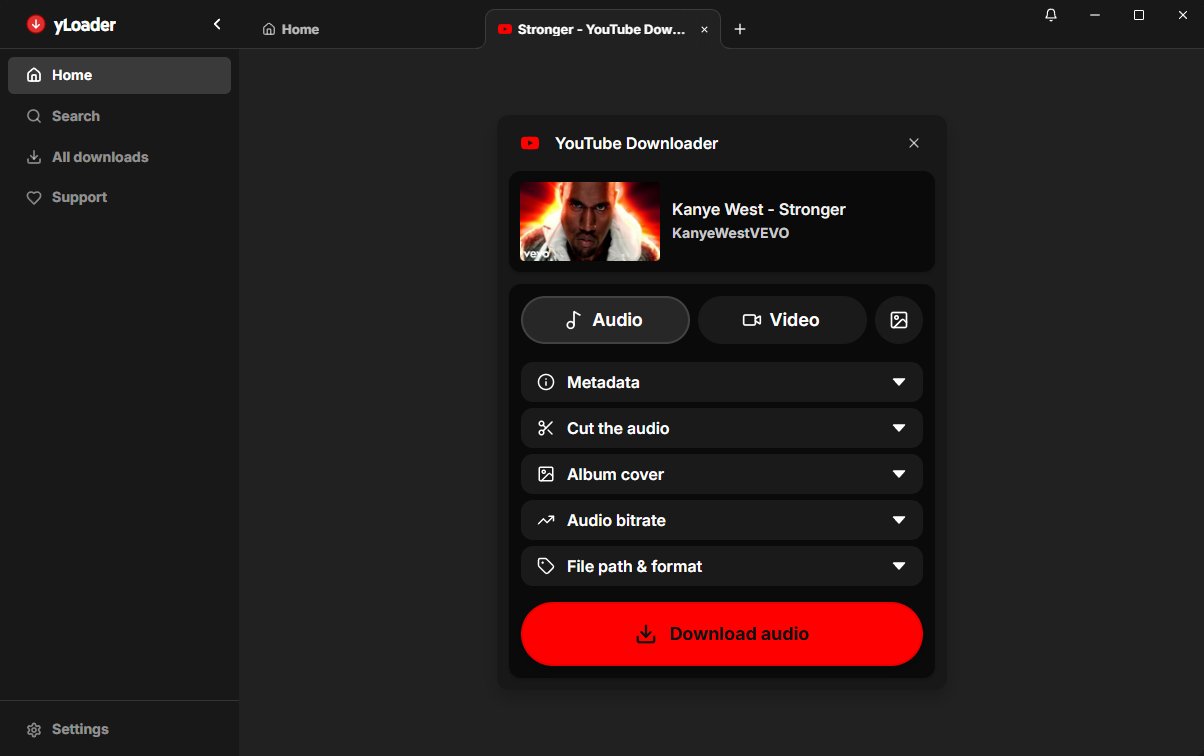
Audio Download
Dedicated audio mode for fast and straightforward music and podcast downloads.
07
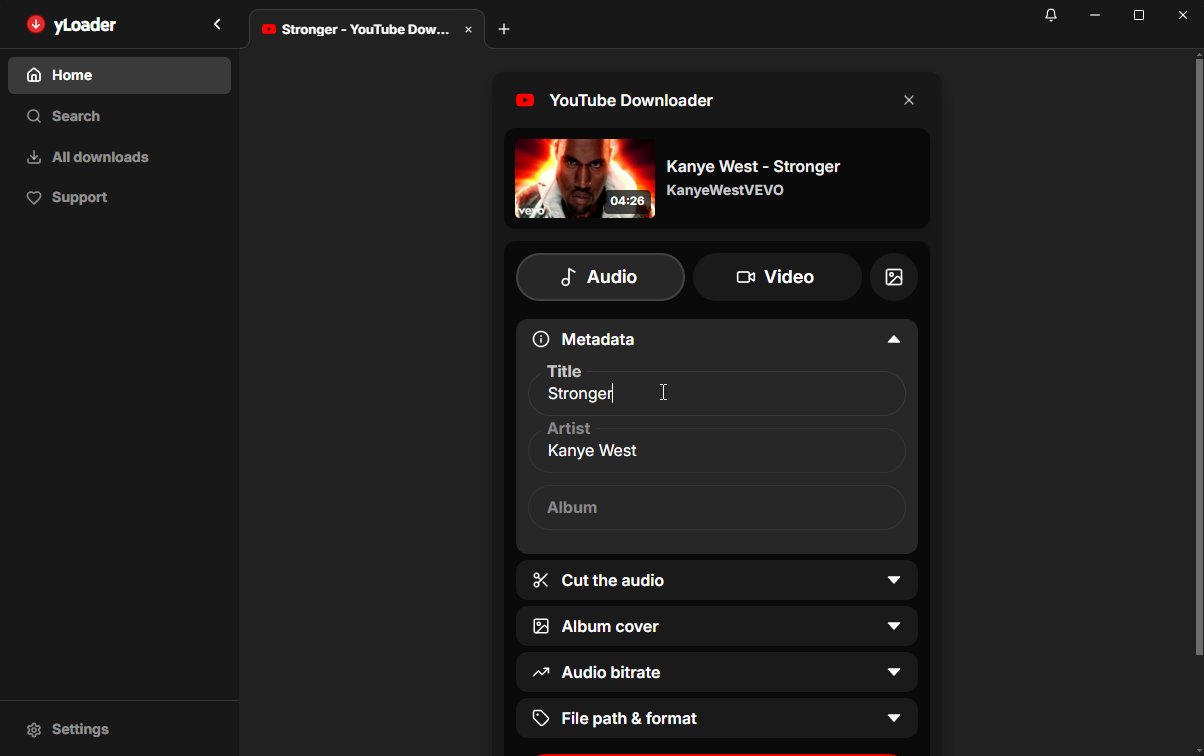
Metadata Editing
Edit audio metadata like title and artist right before downloading, and set cover art exactly the way you want.
08
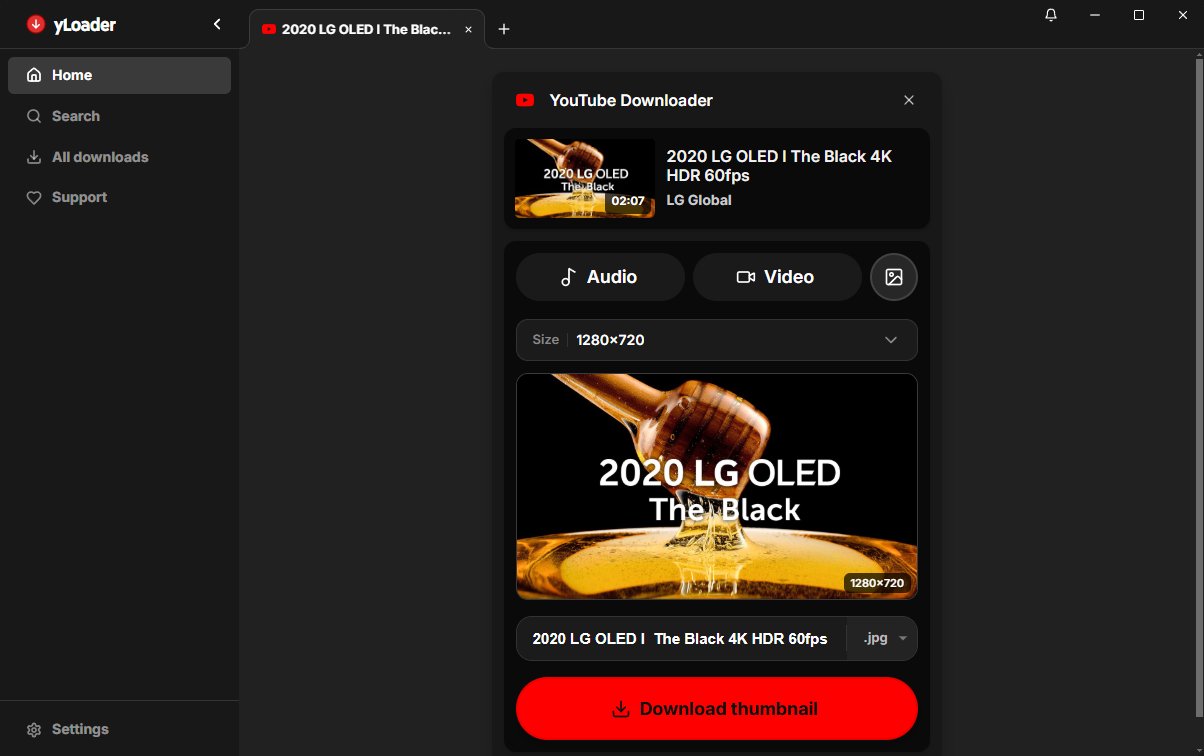
Thumbnail Download
Download high-resolution thumbnails and cover art separately with just one click.
Download yLoader
Use the latest GitHub release or browse all versions. Source code is available for full transparency.
FAQ
yLoader is an advanced all-in-one, local-first frontend for yt-dlp. It provides a modern UI for fast daily downloads and is available as a web app, Docker container, or Electron desktop app.
Since yLoader is powered by yt-dlp, it natively supports over 1000 websites and platforms, including built-in search functionality for YouTube and SoundCloud.
You can install the Electron desktop app directly, use the official Docker image ('yloader/yloader'), or run it locally as a Node/React app. All versions share the exact same feature set.
No, yLoader features built-in update handling for yt-dlp and ffmpeg. You'll always stay up to date without having to mess with command-line tools.
Please use yLoader and yt-dlp only where you have the legal right and permission to access and download content. You are responsible for complying with local laws and platform terms of service.